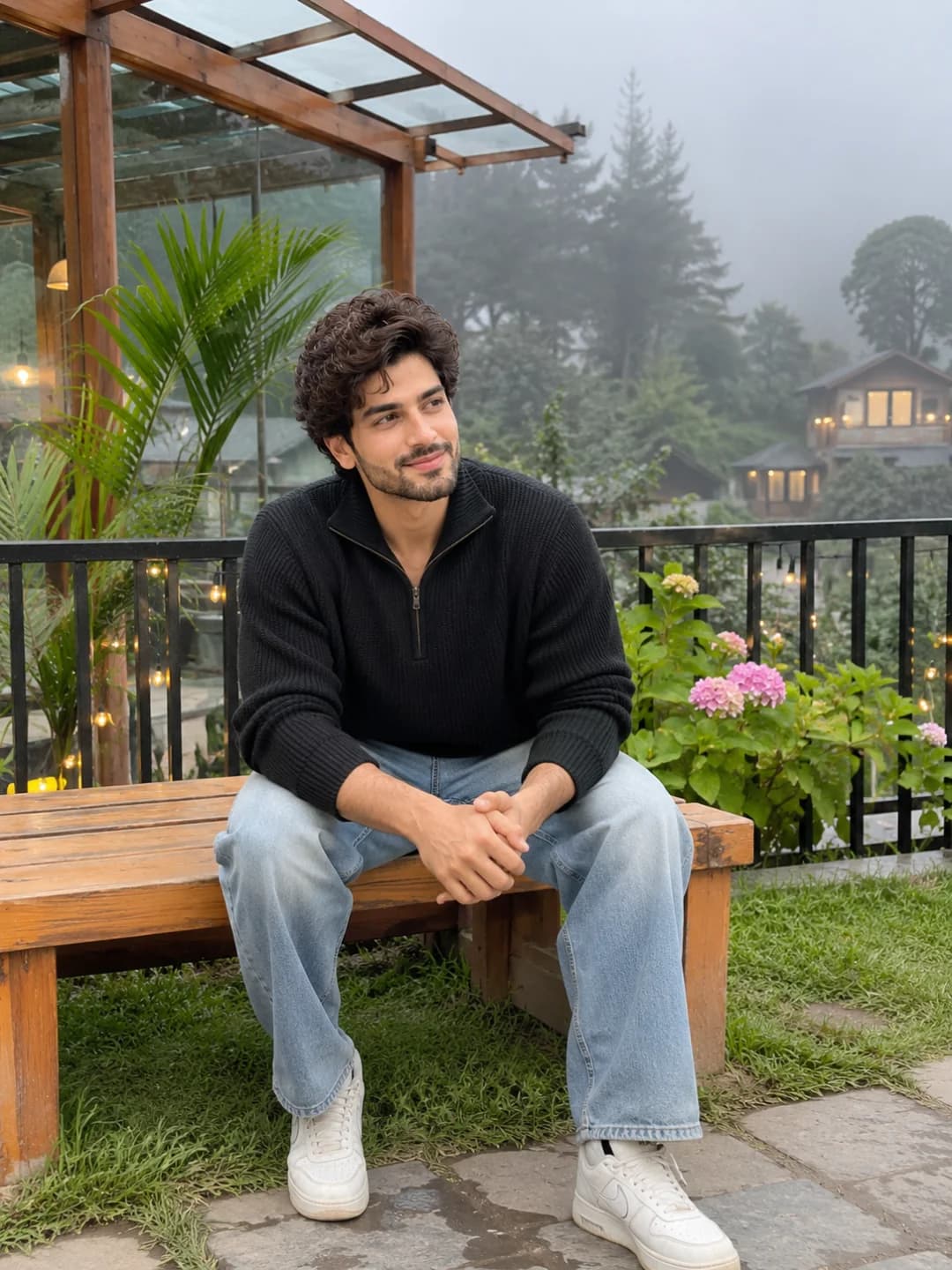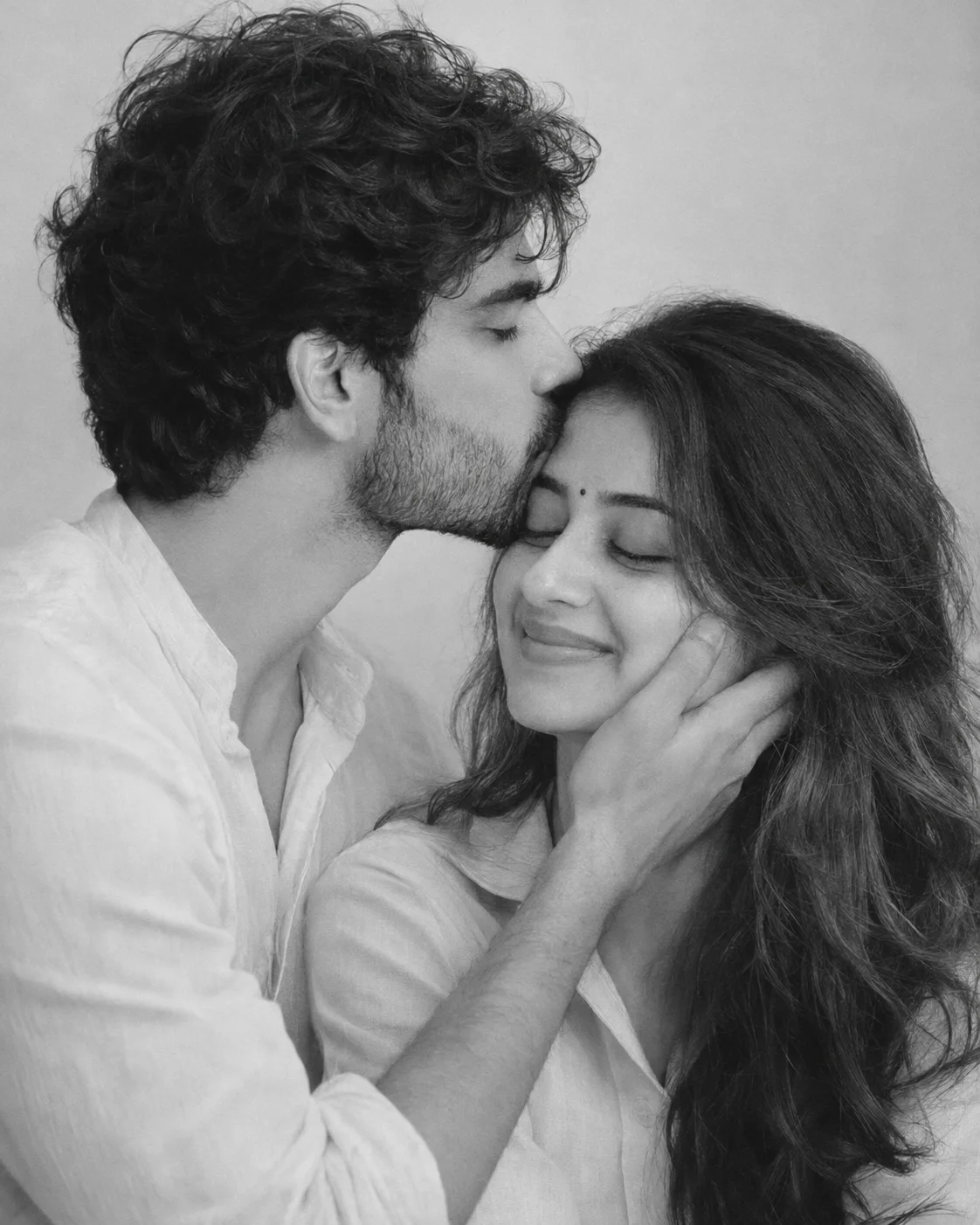
AI Editing Prompt for Couple: Red Umbrella in Black Rain
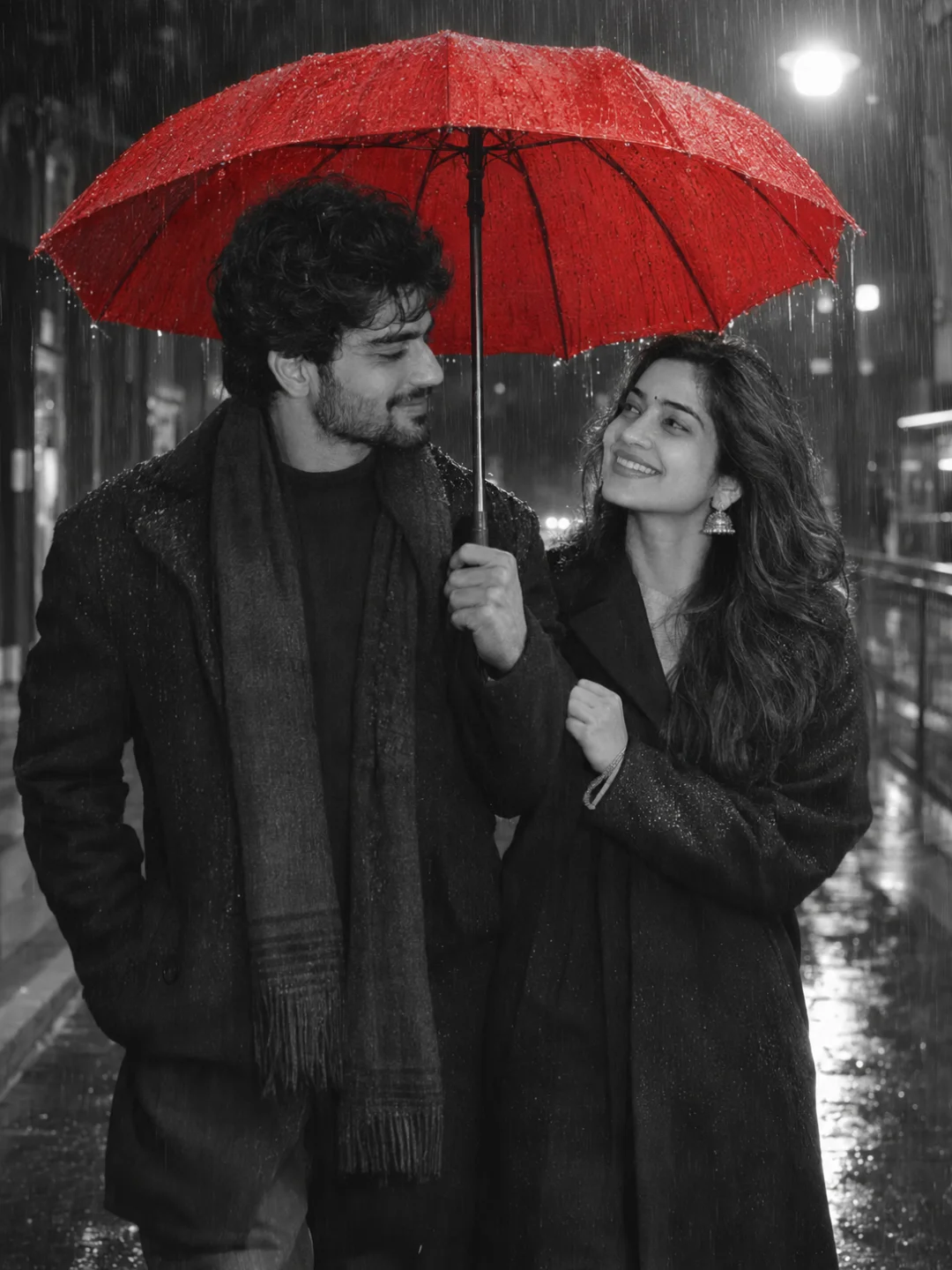
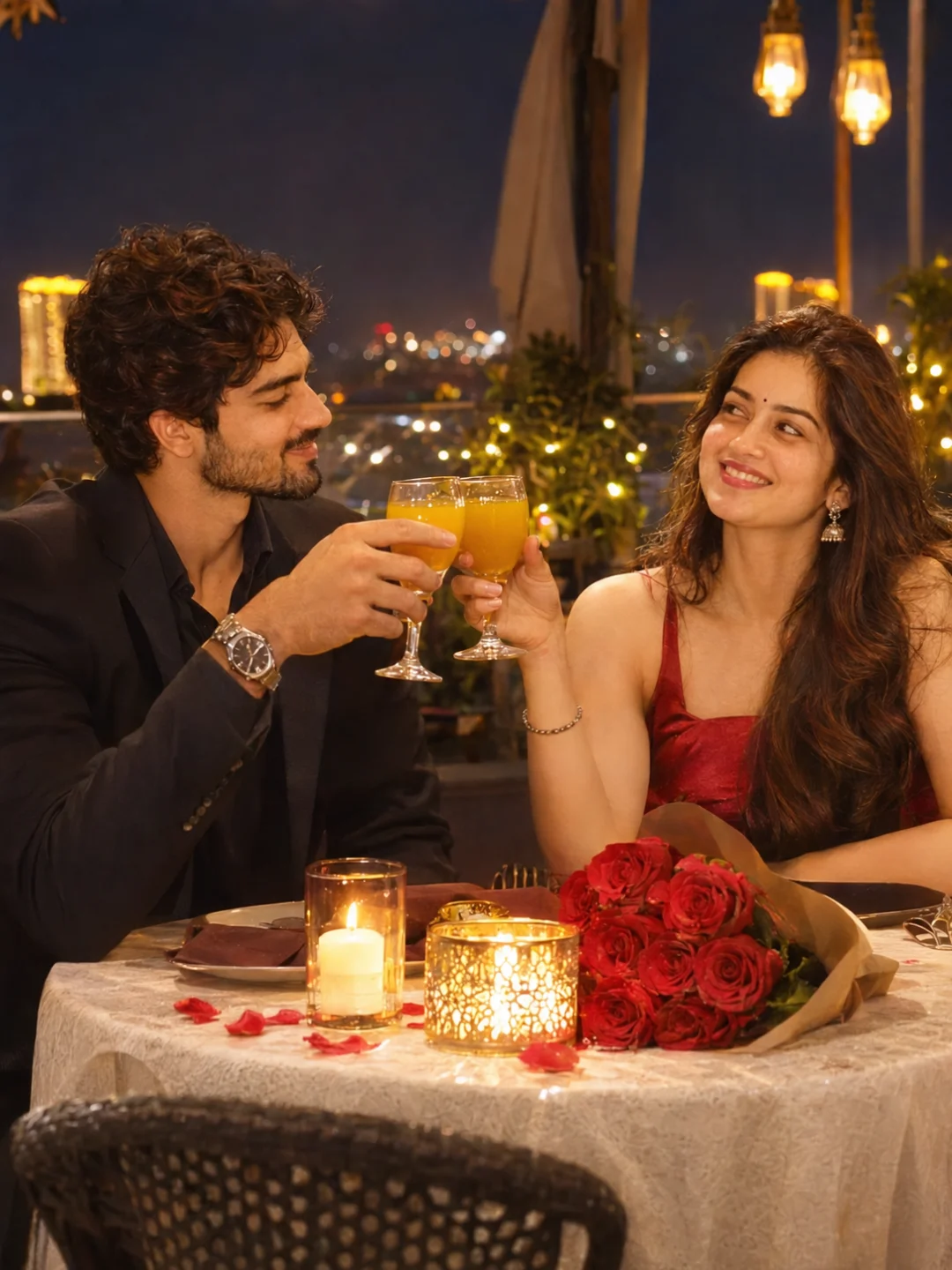
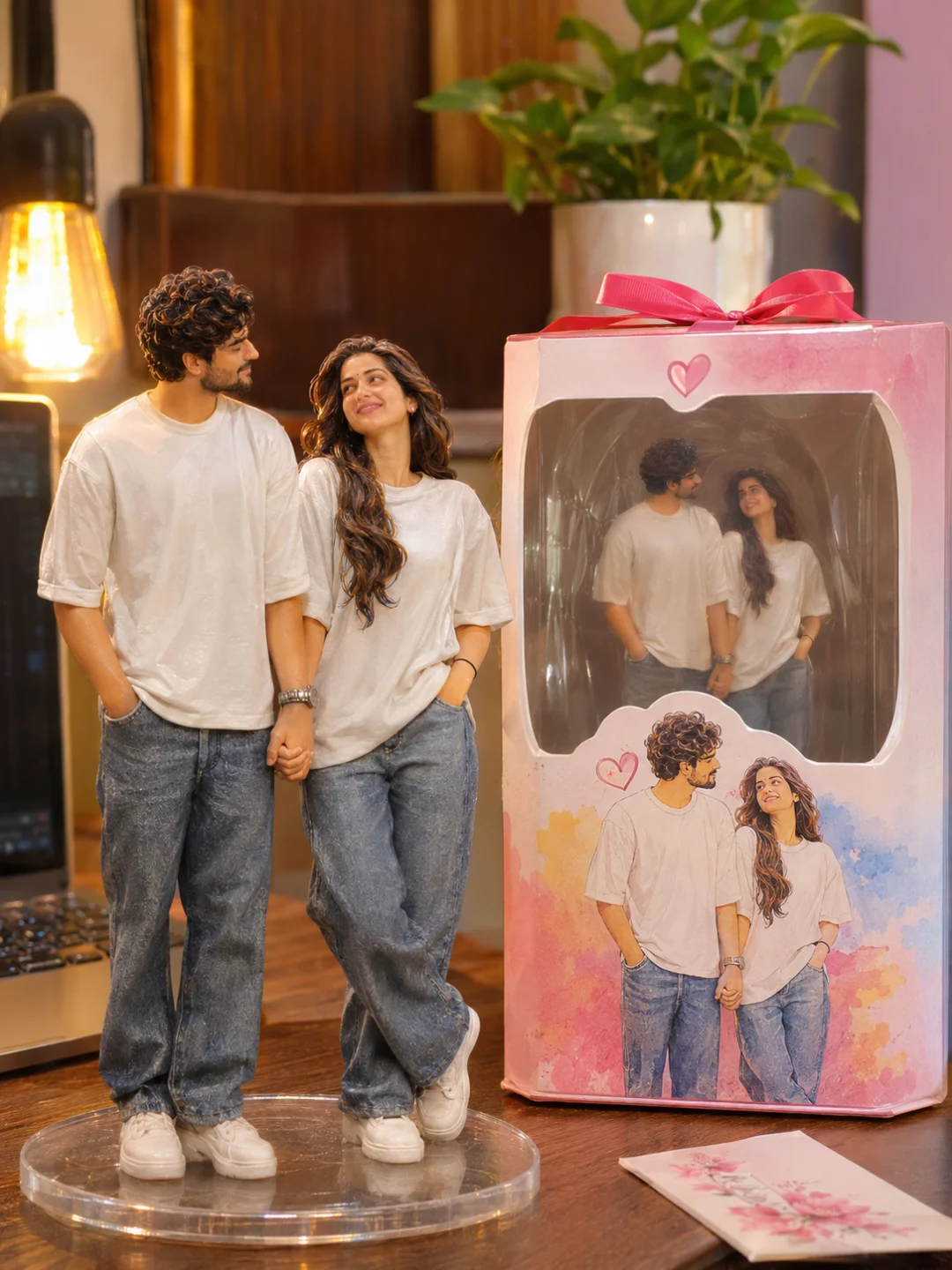
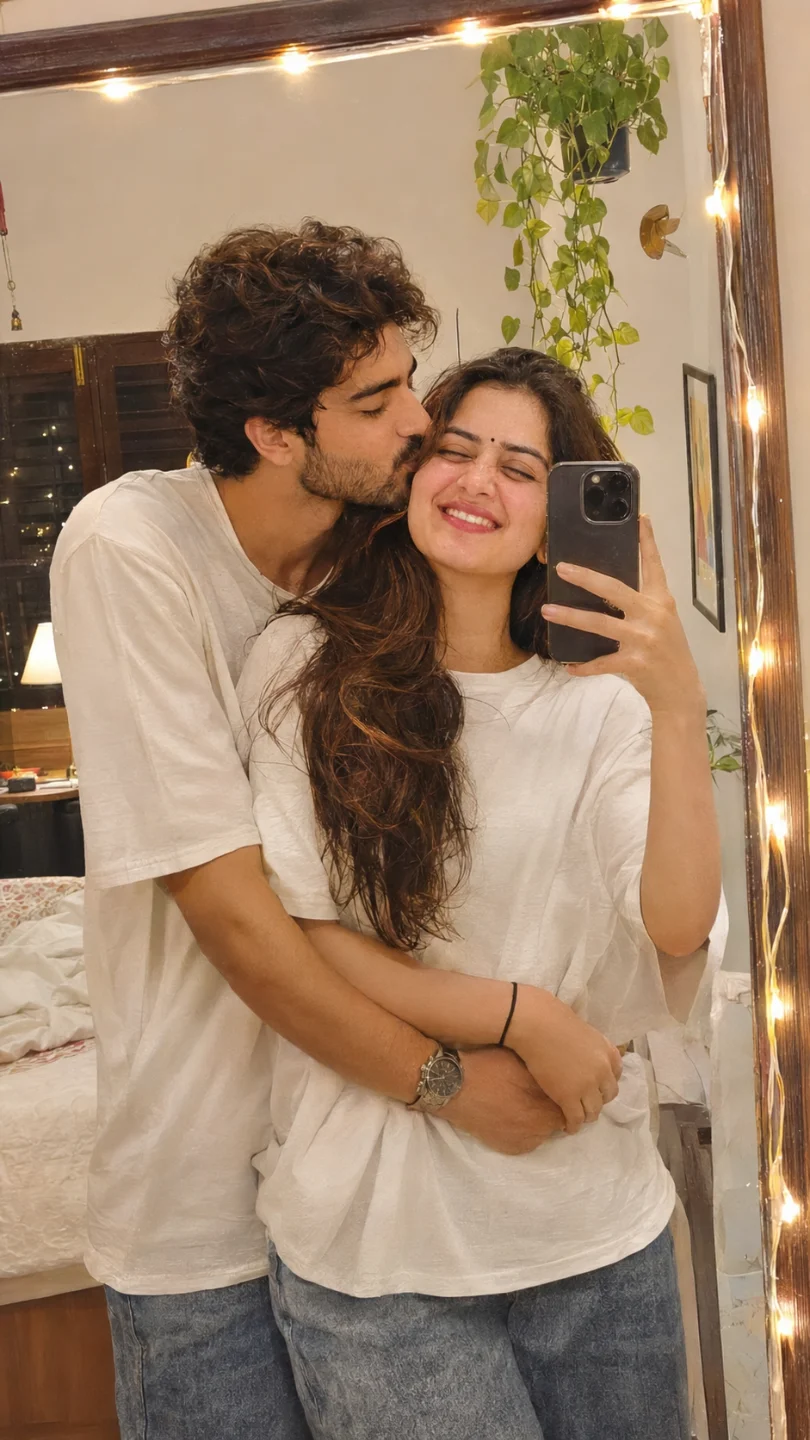
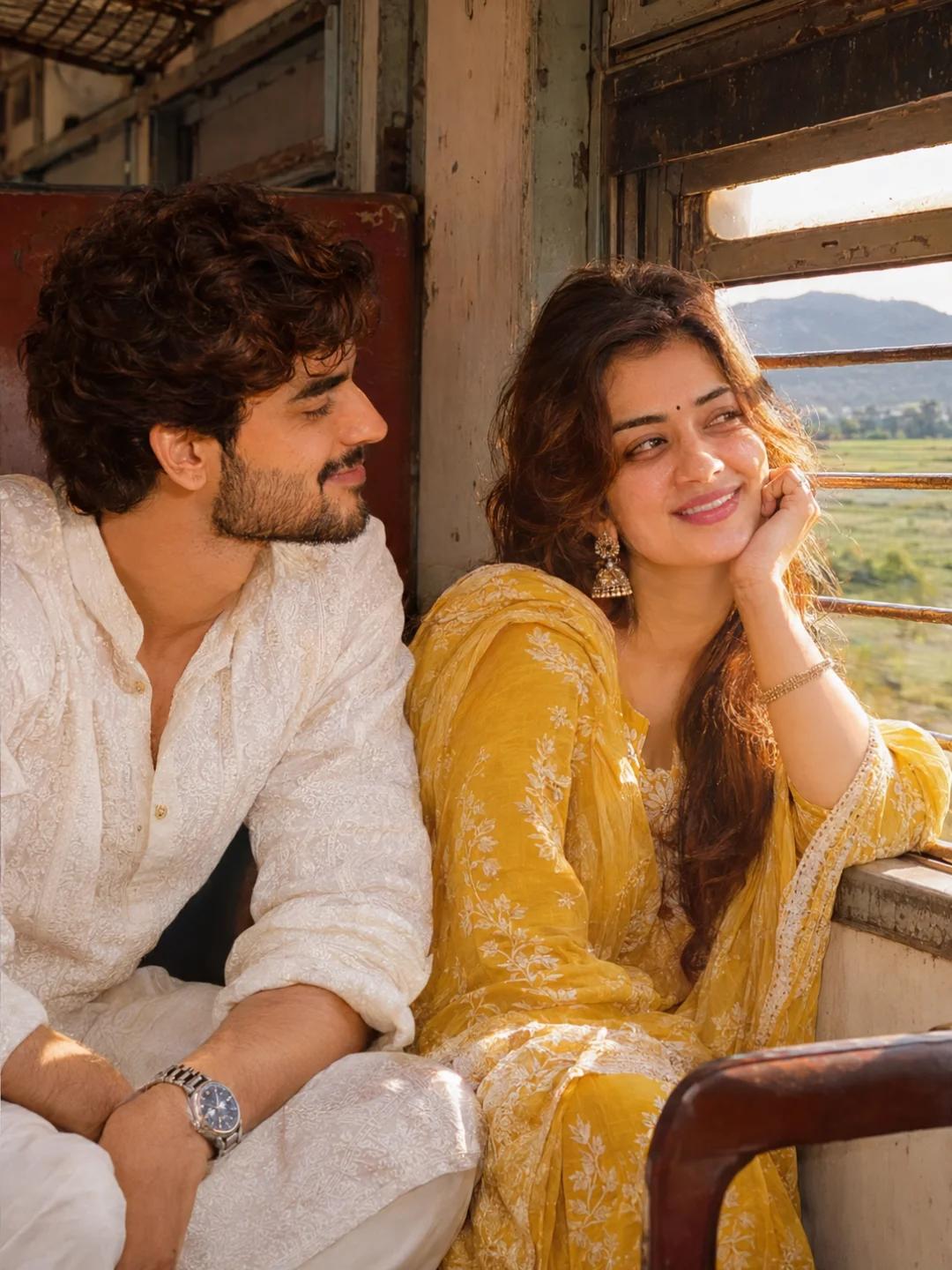
Example made with this exact prompt. Your result will follow your own photo.
The prompt Copy it and paste in ChatGPT or Gemini
prompt.txt167 words
Create a realistic photo of the couple from the uploaded photo: red umbrella in black rain.
Use the uploaded photo(s) as the identity reference for both people and keep both faces exactly the same: face shape, eyes, nose, lips, skin tone and natural features. Do not blend or swap faces and do not smooth the skin. If two separate photos are uploaded, use one for each person.
Outfits: dark coats.
Pose: they walk close together under one umbrella, looking at each other and smiling.
Scene: a rainy city street at night with reflections on the wet road.
Colour: the whole photo in black and white except the umbrella, which is bright red.
It should look like a real photograph by a skilled photographer, not AI art: natural skin texture with pores, true-to-life colours, realistic shadows, no plastic shine and no over-glow.
Aspect ratio 3:4, sharp focus on the faces, realistic hands and fingers.
Avoid: changed or blended faces, extra fingers, distorted hands, floating objects, text, watermark, logos.
How to use this prompt
- Tap Copy prompt.
- Open ChatGPT or Gemini and upload one clear photo of each person.
- Paste the prompt and send. If the face changes, reply “keep my face exactly the same as the photo” and try again.
Why this ai editing prompt for couple works
This ai editing prompt for couple works because the single splash of colour makes the photo stop people mid-scroll. Copy it, upload your photo in Gemini or ChatGPT, paste and send.
Best photo to upload
- One clear, front-facing photo in daylight, with the face fully visible.
- Avoid sunglasses, heavy filters and very dark photos.
Make it yours
- Make the saree red instead of the umbrella.
- Ask for "a yellow umbrella".
- Set it at a railway platform.
When to post it
This one works all year: for a new profile picture, a WhatsApp status, an Instagram post or a story whenever you want a fresh look.
If the face changes
Reply in the same chat: "keep the face exactly the same as in my photo, only change the clothes and background", then generate again.
Looking for more? See all our couple prompts and cinematic prompts.
Questions people ask
Can I use this for a solo photo?
Yes, change "the couple" to one person in the first line.
Is this prompt free to copy and paste?
Yes. It's free for your own photos in Gemini or ChatGPT; you only need a free account.
Why do the faces get mixed up?
Use photos where every face is clear and well lit. If faces mix, upload one photo per person and say which is which.
Made by visitors
Keep going
All Cinematic →More like this